Blog
Briefcase or Folio for Carrying Documents and a Laptop

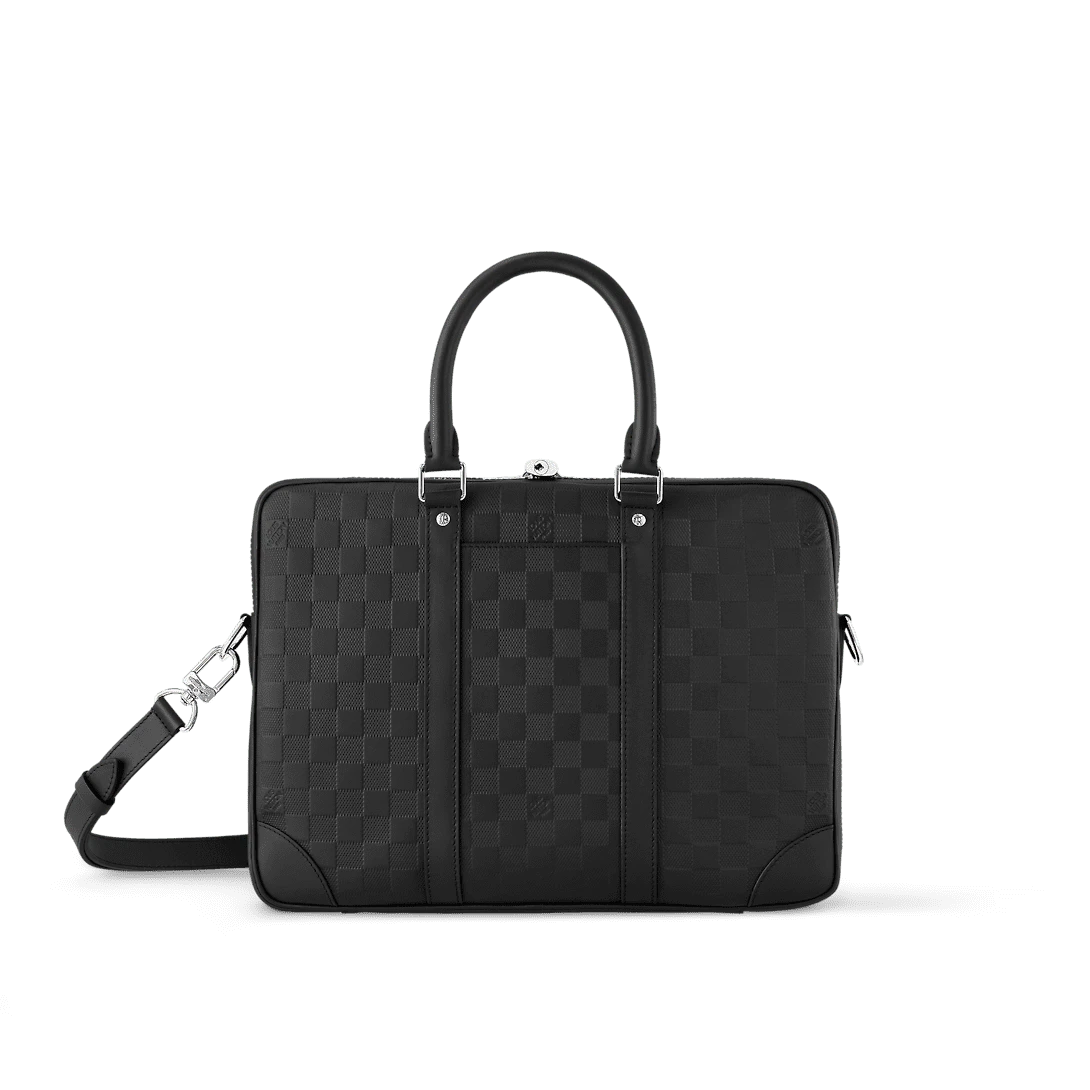
The hardest object to pack in a work bag may be a simple folder. A sheet fits until you add a cover, a spine, or a tab that must stay flat. A laptop fits the outside silhouette until you try to bring its padded sleeve through the opening. If you are deciding between a briefcase and a folio, start with the objects you must be able to take out cleanly and the places where you will use them.
A slim folio may suit a few papers carried between rooms or to a single meeting. A briefcase may be more practical when you also carry a computer, a charger or several files. There is considerable variation in both forms. Open the Integrity Bags briefcase collection after measuring your actual contents so that the comparison starts with what you need to carry.
Measure the folder with everything inside
Put together the largest document set that is part of your regular routine. Include the folder, any transparent sleeves, dividers, clips and protective cover. Place it flat and measure its maximum width, height and loaded thickness. If the clip or tab extends past an edge, include it. Those details can be the part that first catches at a bag opening.
A4 paper measures 210 by 297 mm. US Letter measures 8.5 by 11 inches, or about 216 by 279 mm. A4 has the longer long edge and Letter has the wider short edge. A bag that has just enough room for one can have trouble with the other. Folder measurements will be larger where edges, tabs or covers extend past the sheets. ISO paper dimensions reference
Measure two different loads if your days vary. The first might be the slim file you carry to most meetings. The second might be the larger set you transport between offices once a month. If the larger load is essential, keep it in the comparison. If it is genuinely unusual and can be carried separately, avoid letting it decide the bulk of a bag you will use almost daily.
Pay attention to the type of document. Loose sheets need a way to remain flat. A stiff portfolio insert takes up more room, but it can preserve the shape of a stack. A spiral binding may add thickness along one side while the rest remains flat. Write down which dimensions include those features so that the final comparison accounts for the shape of the loaded folder.
Treat the opening as a dimension of its own
Find the listing image that shows the bag open from above. Note whether the entrance remains the same width across its length or tapers at the ends. A zipper may stop before the corner. A gusset may hold the sides close together. A flap may lift out of the way but leave a narrower opening under it. The exterior measurements help you choose candidates, and the entrance decides whether a rigid object can get in.
The 28 by 23 cm briefcase listing is a useful example of why the number in the name or category is not enough. The listing gives compact exterior dimensions, with a stated longest edge below the long edge of A4. If you need a full A4 folder to lie flat without bending, keep looking for a candidate with a confirmed entrance and flat interior of the necessary shape.
Another briefcase listing gives 38 by 28 by 6 cm. It has a larger nominal outline, which makes it a useful second candidate. That number still does not guarantee a particular folder fits. With a rigid cover, ask about the clear opening between the zip stops or side panels, then ask for the usable flat space in the compartment.
Use a paper or cardboard mock-up when you cannot test the actual bag. Cut the shape of the outside of your folder and mark the position of its thickest area. Try moving that shape through a simulated opening a little narrower than the interior. This simple comparison shows how an object can be too wide to enter in the natural direction even if the numbers seem to work when it is already lying flat.
Account for thickness as well as length and height
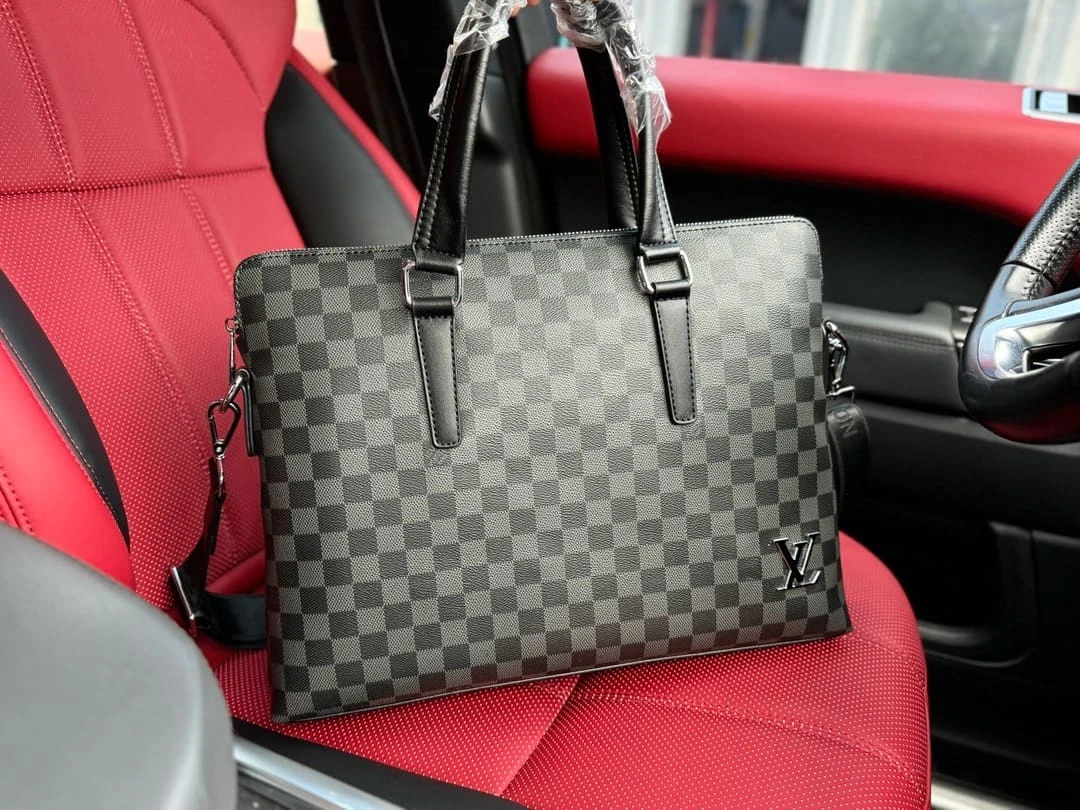
Thickness decides how much you can stack before the closure pushes against the contents. Measure your files as a group if they will travel together. Put the most rigid items in the order you would pack them and include the thick side of any binder or clips. A briefcase described as slim may have ample room around the outside perimeter and little depth for a combination of several substantial objects.
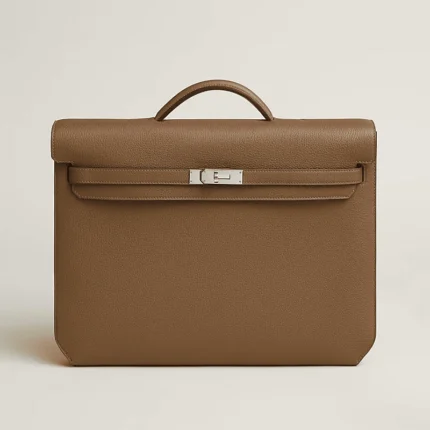
The Kelly depeches 36 briefcase listing lists dimensions of 36.6 by 29 by 5 cm. These numbers are useful for comparing a slim outline with another bag. Treat the stated depth as an exterior specification until the product page or shop confirms how the interior and closure are constructed. The lining, dividers and seams all matter when your planned stack is already close to the exterior depth.
Try a desk experiment with your current setup. Lay a laptop sleeve flat and place your folder over it. Put the charger beside the stack in one arrangement and on top in a second arrangement. Compare the thickness and see whether the folder stays flat. If the charger creates a hard lump, you will want a dedicated location where it will not press on the documents or on the computer.
An interior divider can be useful for keeping a file upright, and it can also divide a broad compartment into two thinner spaces. If you carry one thick bound document, confirm which compartment will hold it. If you carry several thinner sets that need to stay separate, the divider may save time. The interior configuration matters more than the simple number of compartments.
Compare what a folio and a briefcase let you do
A folio has a clear role when you need to arrive with one file, open it on a table and keep the rest of the desk clear. Picture walking from a shared desk to a meeting room with just a notebook and a thin document set. A flat, relatively simple carrier can make that process easy. Check whether the format gives you enough room to remove pages without rubbing their edges against the closure.
A briefcase has a different advantage when the same trip includes a charger, a laptop, several files or a small collection of everyday items. Handles and an optional strap can give you more ways to carry the load. The added space also gives you another problem to solve. Loose objects need their own places so they do not accumulate around the edges of the documents or push them into a curve.
A slim briefcase and a folio with a structured gusset can overlap. Decide by action rather than by name. Can you take the folder out without taking the charger out first? Can you carry the packed item with the hand you have free? Does it close when the folder has its normal tabs? These questions let you compare two formats fairly even when their exterior dimensions are close.
If you sometimes move a folio within a larger bag, test the pair together. Measure the folio after loading it and check the entrance of the outer bag. Make sure you can pull it back out while the outer bag contains the rest of the day’s items. A folio that slides into an empty bag may become awkward once another object occupies the base or the opening.
Measure your laptop in its real sleeve
Keep the laptop closed and inside the sleeve you intend to use. Measure length, height and thickness, including the thickest edge and any pull tab. A laptop described by its screen diagonal can have quite different overall dimensions from another model with the same diagonal. The sleeve adds its own thickness and corner shape. Compare the physical item with the bag’s usable opening.
Check the position of any dedicated compartment. A roomy main area does not guarantee that a computer sleeve or divider inside the bag has the same opening. If the sleeve is placed behind a flap or narrowed by stitching, ask for its clear dimensions. A narrow sleeve may still hold a thin tablet, while a laptop in a protective case could need the full main compartment.
Use an object of similar weight to rehearse the carry if you are unsure about the handles or strap. Keep the mock-up close to the real load without pressing the laptop against hard objects during the test. If the bag is usually carried under your arm or by a top handle, pay attention to whether the computer shifts or changes the way the bag hangs. That gives you another reason to choose a stable interior arrangement.
A confirmed strap or top handle describes a carry feature, not the protection a bag provides for electronics. Check separately for any documented padding or partition and choose a sleeve suitable for your device and routine. If a listing provides no details about an interior computer compartment, ask about that specific feature instead of assuming it from a work-oriented name.
Compare handles, straps and access along the route
Trace one common route with your existing bag. Think about each time you need a free hand. Carrying a folio under your arm may be easy from a desk to a meeting. A walk through a station with a phone, a coffee or a suitcase can make a shoulder strap much more convenient. Measure the load you will carry on the longest ordinary part of the route.
The Porte-Documents Voyage PM listing describes a zip closure, top handles and a removable adjustable shoulder strap. The Ambassade Medium Briefcase listing describes a shoulder strap and an inside patch pocket. Compare the locations and fastening arrangements visible in the exact galleries, and keep the confirmed details with each listing.
If you expect to carry the briefcase across the body, compare its working strap range with one you already use. Include whether the measurement starts at the hardware or only covers the exposed strap. Then try a similar carry height over your normal coat. A long flat bag can brush against the leg or rotate forward if its hanging position does not suit the route.
For a handle carry, consider the loaded weight and whether the handle provides room for the hand or the gloves you normally wear. Imagine setting it down in a narrow space beside a desk. A bag that opens easily while standing on a stable surface can make it faster to retrieve a file. One that requires laying down can work well if your usual meetings give you a clear table.
Organize the bag around the order you work
Pack the first item you will use where you can reach it without disturbing the rest. For a meeting, that might be one agenda inside a front folder. For a long commute, it might be a travel pass in a pocket and a laptop in the main compartment. The first item of the day and the first item at the meeting may need different positions.
Try three operations in sequence. Remove one thin page or folder. Then remove the computer or largest file. Finally put both back when everything else is still inside. Notice which items must move to make that possible. A deep pocket is useful when you need the item rarely. A shallow pocket near the opening can be better for a cable or card you need several times.
If you often carry a bottle, umbrella or other item that can bring moisture into the bag, decide where it belongs relative to documents. A separate protected place can make the packing arrangement easier to maintain. Check the bag construction for that specific purpose and use appropriate covers or containers. A fabric or finish in a listing by itself does not establish protection for papers or a computer.
If you carry several paper sizes, use a separate organizer to preserve flatness and retrieval order. Measure the organizer after it is filled. A full cover with reinforced corners may be the widest part of your bag setup. By including it at the beginning, you can compare a broader case and a thinner folio using the same practical requirement.
Compare the likely workday with an occasional exception
For a meeting-only day, choose the actual contents and walk the shortest realistic route. A set of documents with a slim notebook may need little depth, and the convenience of a folio can come from opening it directly on the desk. If you carry a pen, consider how it is stored so that it cannot dig into a soft folder when you tuck the folio under your arm.
For a mixed office day, put the computer in its normal sleeve and keep the charger out of the main document stack. A briefcase with enough verified width and usable depth can give both objects a clear place. Ask whether the zipper opens far enough to remove the computer without angling it into the file. Evaluate the carrying option you would actually use with the full load.
For a presentation or review with a thick binder, compare the spine depth with the free space at the opening. A slim case may look like a close fit on paper and still compress the binder near the closure. A broader compartment can work better if the binder is essential, or you can use a separate carrier if that day is an exception. The right choice follows the frequency of the load and the trouble of handling it.
For travel between offices, pay attention to where you will set the bag down and which object needs to come out first. A stable handle position and a reachable main opening can matter when there is no clear desk. Test the arrangement by standing next to a chair with the packed reference bag. This shows which actions can be done while the bag stays upright.
Verify the short list before you choose
Save the exact product URL and your measured folder or sleeve dimensions. Then mark whether the listing gives exterior dimensions, a usable opening, a compartment size, or only one of those. If a measurement is missing, ask one concrete question about the opening or interior and explain the dimensions of the rigid object you want to carry. Integrity Bags contact
A useful comparison note can fit on one line for each model. List the maximum object, the entrance it needs, the remaining depth, and your preferred carry method. Add one sentence about the first thing you need to retrieve. This will tell you more about your future workday than a general description of a bag as slim, spacious, compact or formal.
When you receive a bag, try the measured folder and sleeve on a clean surface before taking them out. Close the bag without pushing hard on the contents and retrieve the largest item in its normal direction. If the folder lies flat, the closure moves naturally and the packed bag is comfortable to lift, the measurements and the actual task agree. That gives you a practical basis for choosing a briefcase or folio with confidence.
Compare these products